
How Teams billing works
Teams billing is tied to your team workspace, not to individual user accounts.- The team owner (and any teammates with billing access) is responsible for managing the subscription.
- Invoices, payment methods, and billing details are managed in the Teams -> Billing tab
Accessing Teams billing settings
- Go to the Teams workspace you want to manage.
- Navigate to the Teams Settings page
- Click on the “Billing” tab
- Under
Manage Invoices & Payment Methods, click on the “Manage” button - Make any changes to Billing Information, like address, email, VAT number, and payment method.
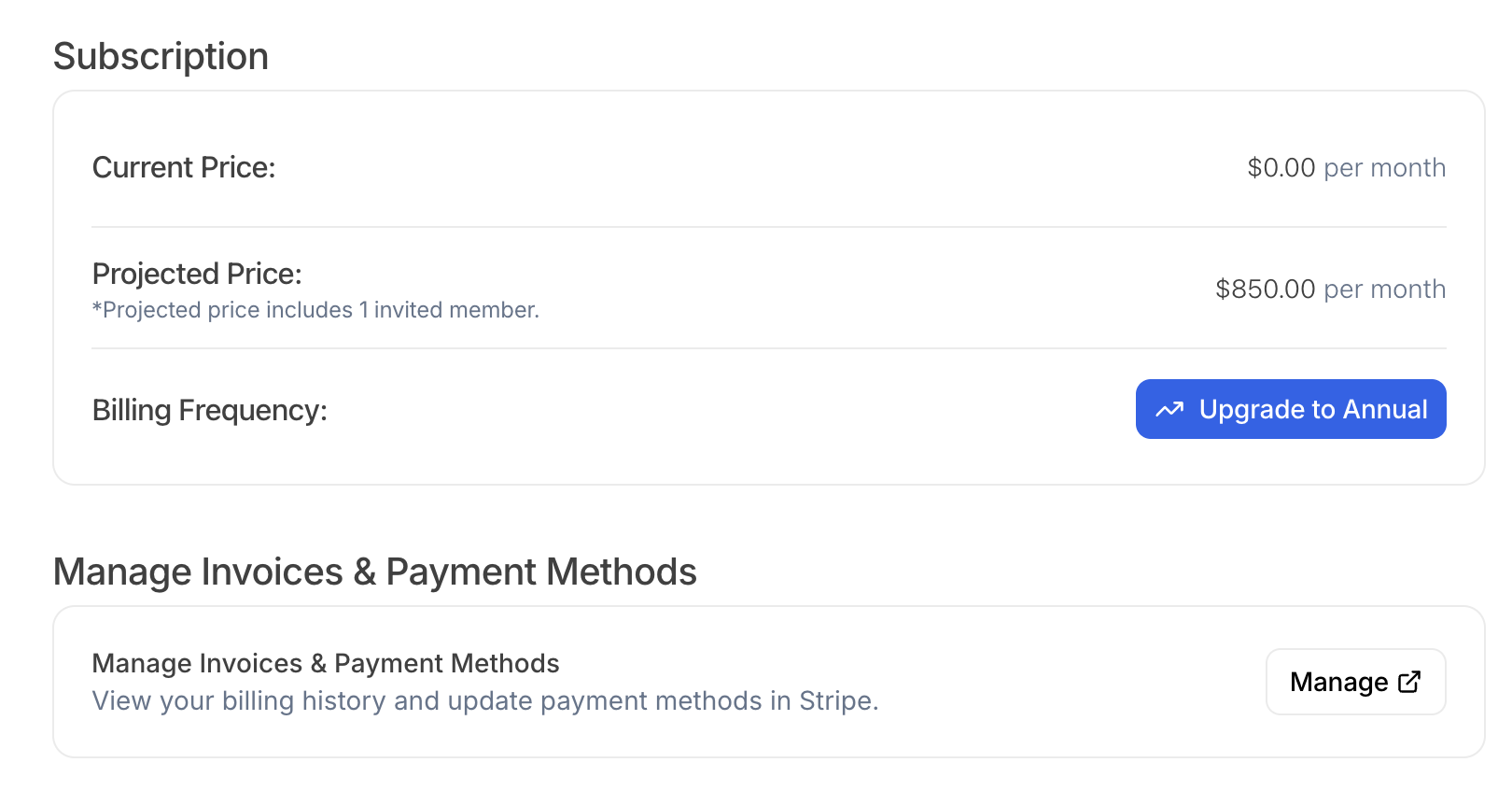
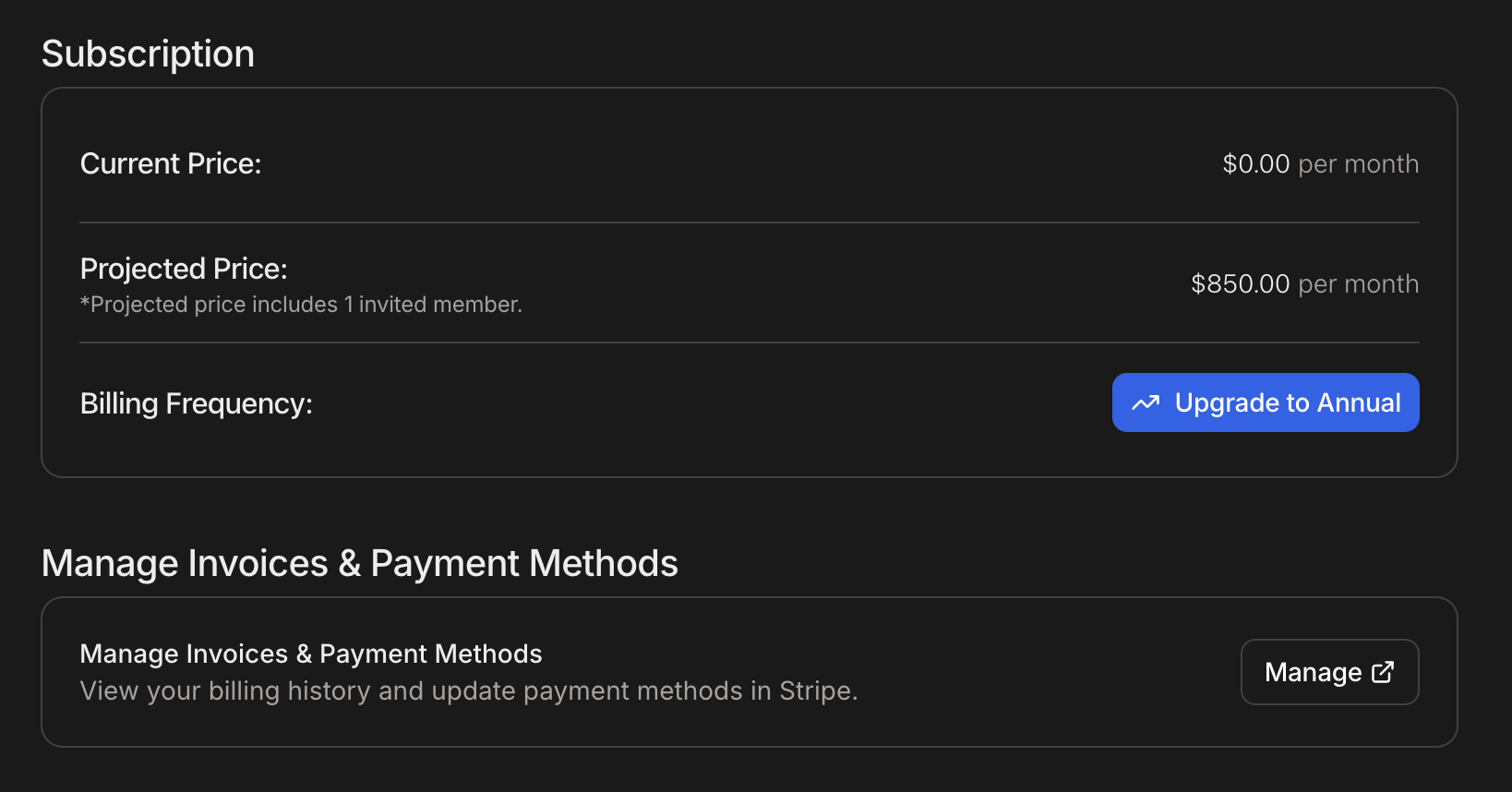
Manage your Teams subscription from the Billing tab (light and dark mode)