> ## Documentation Index
> Fetch the complete documentation index at: https://julius.ai/docs/llms.txt
> Use this file to discover all available pages before exploring further.

# File Cells

> File cells are used to upload files and to connect your data for use in analysis with Julius.

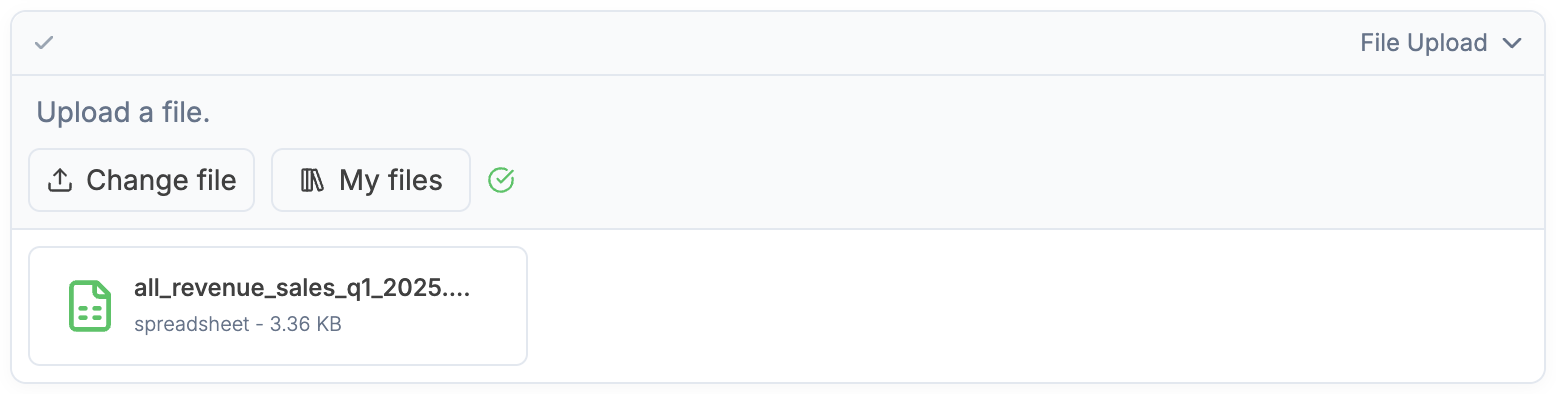
Use file cells to upload files, or to select a file from your existing files.

<div align="center">
  <img className="block max-w-[90%] h-auto dark:hidden" src="https://mintcdn.com/julius-d061c216/iP_qLLemHc-A-_-m/images/notebooks/file-cells/file-cell-light-1.png?fit=max&auto=format&n=iP_qLLemHc-A-_-m&q=85&s=aa6adeb4e6f44091e8638e320e89ef50" width="1554" height="240" data-path="images/notebooks/file-cells/file-cell-light-1.png" />

  <img className="hidden max-w-[90%] h-auto dark:block" src="https://mintcdn.com/julius-d061c216/iP_qLLemHc-A-_-m/images/notebooks/file-cells/file-cell-dark-1.png?fit=max&auto=format&n=iP_qLLemHc-A-_-m&q=85&s=e3bcf7d6dede3f4ce86a8c3169c124ef" width="1562" height="244" data-path="images/notebooks/file-cells/file-cell-dark-1.png" />
</div>

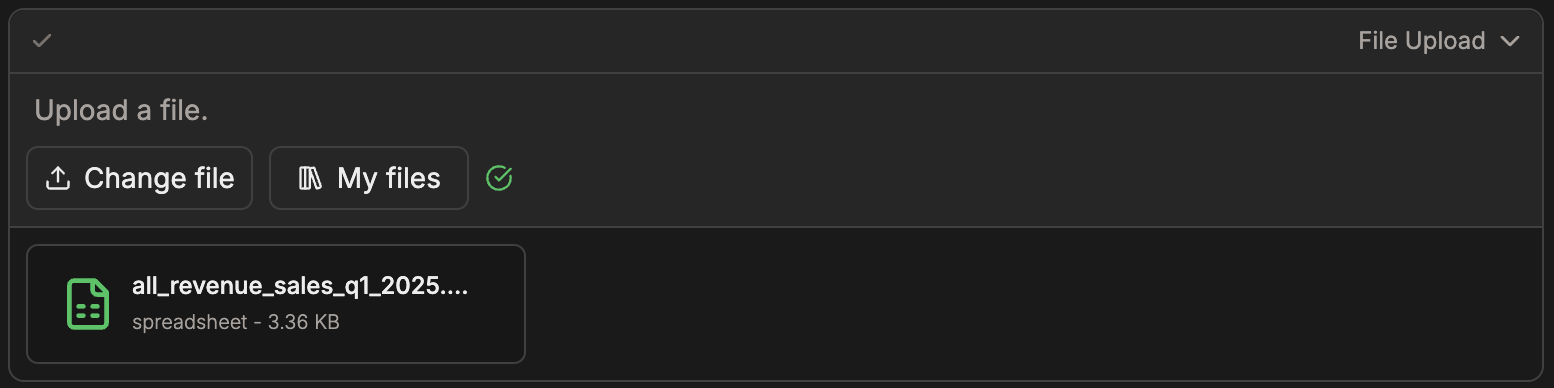
Once your file is uploaded, it is ready to be used in your Notebook.

<div align="center">
  <img className="block max-w-[90%] h-auto dark:hidden" src="https://mintcdn.com/julius-d061c216/iP_qLLemHc-A-_-m/images/notebooks/file-cells/file-cell-light-2.png?fit=max&auto=format&n=iP_qLLemHc-A-_-m&q=85&s=d623f51eb84fa66bdee8fda200f89e10" width="1556" height="394" data-path="images/notebooks/file-cells/file-cell-light-2.png" />

  <img className="hidden max-w-[90%] h-auto dark:block" src="https://mintcdn.com/julius-d061c216/iP_qLLemHc-A-_-m/images/notebooks/file-cells/file-cell-dark-2.png?fit=max&auto=format&n=iP_qLLemHc-A-_-m&q=85&s=346805f2cf61140c23a14623f2325e3a" width="1554" height="388" data-path="images/notebooks/file-cells/file-cell-dark-2.png" />
</div>

<Tip>
  To learn about the different file types that Julius supports, visit [Files](https://julius.ai/docs/get-started/files)
</Tip>

<Note>
  If you are working on a Collaborative notebook, currently only the notebook owner can upload files.

</Note>