> ## Documentation Index
> Fetch the complete documentation index at: https://julius.ai/docs/llms.txt
> Use this file to discover all available pages before exploring further.

# Code Cells

> Code cells are used to run code that the User inputs.

***

<div style={{ display: "flex", justifyContent: "center" }}>
  <iframe width="560" height="315" src="https://www.youtube.com/embed/gk7MVMndlkk?si=apIrKB9tQGXrrkcK" title="YouTube video player" frameborder="0" allow="accelerometer; autoplay; clipboard-write; encrypted-media; gyroscope; picture-in-picture; web-share" referrerpolicy="strict-origin-when-cross-origin" allowfullscreen />
</div>

***

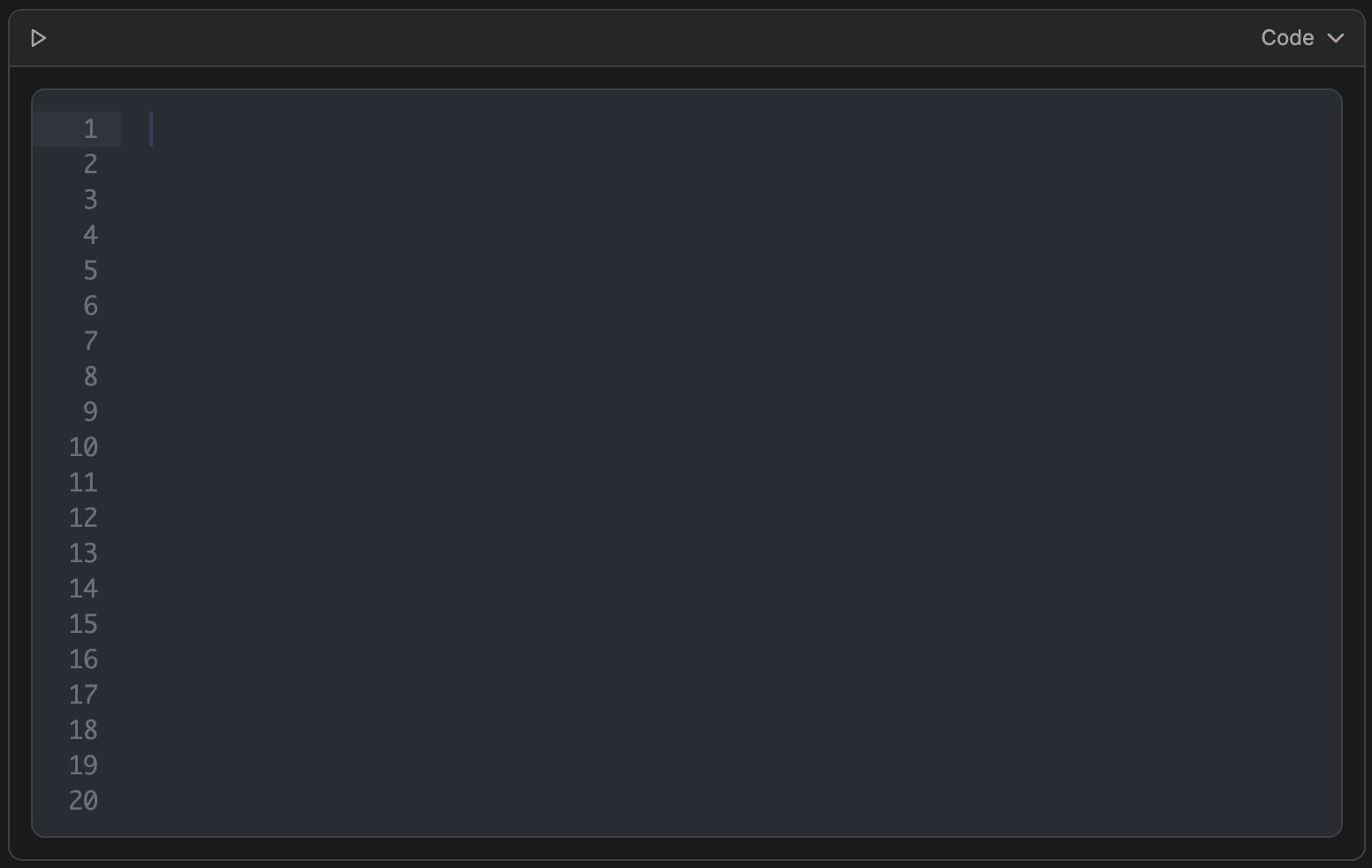
If you want full control over the code being executed, you can use **Code cells** to manually enter your own code instead of having Julius generate it. This is especially useful when you already know what code you want to run and prefer consistent, repeatable results; Julius will run exactly what you provide.

<div align="center">
  <img className="block max-w-[60%] h-auto dark:hidden" src="https://mintcdn.com/julius-d061c216/iP_qLLemHc-A-_-m/images/notebooks/code-cells/code-cell-light-1.png?fit=max&auto=format&n=iP_qLLemHc-A-_-m&q=85&s=de89ce8bd06048a10240221adb37b594" width="1552" height="982" data-path="images/notebooks/code-cells/code-cell-light-1.png" />

  <img className="hidden max-w-[60%] h-auto dark:block" src="https://mintcdn.com/julius-d061c216/1sdX0_SBCoFyQQNg/images/notebooks/code-cells/code-cell-dark-1.png?fit=max&auto=format&n=1sdX0_SBCoFyQQNg&q=85&s=b3f22442dc7e598b61315b6463dbb115" width="1552" height="982" data-path="images/notebooks/code-cells/code-cell-dark-1.png" />
</div>

<Tip>
  You don't have to create the code yourself! If Julius previously ran code that you liked, you can simply copy it and paste it into a Code Cell to re-use!
</Tip>

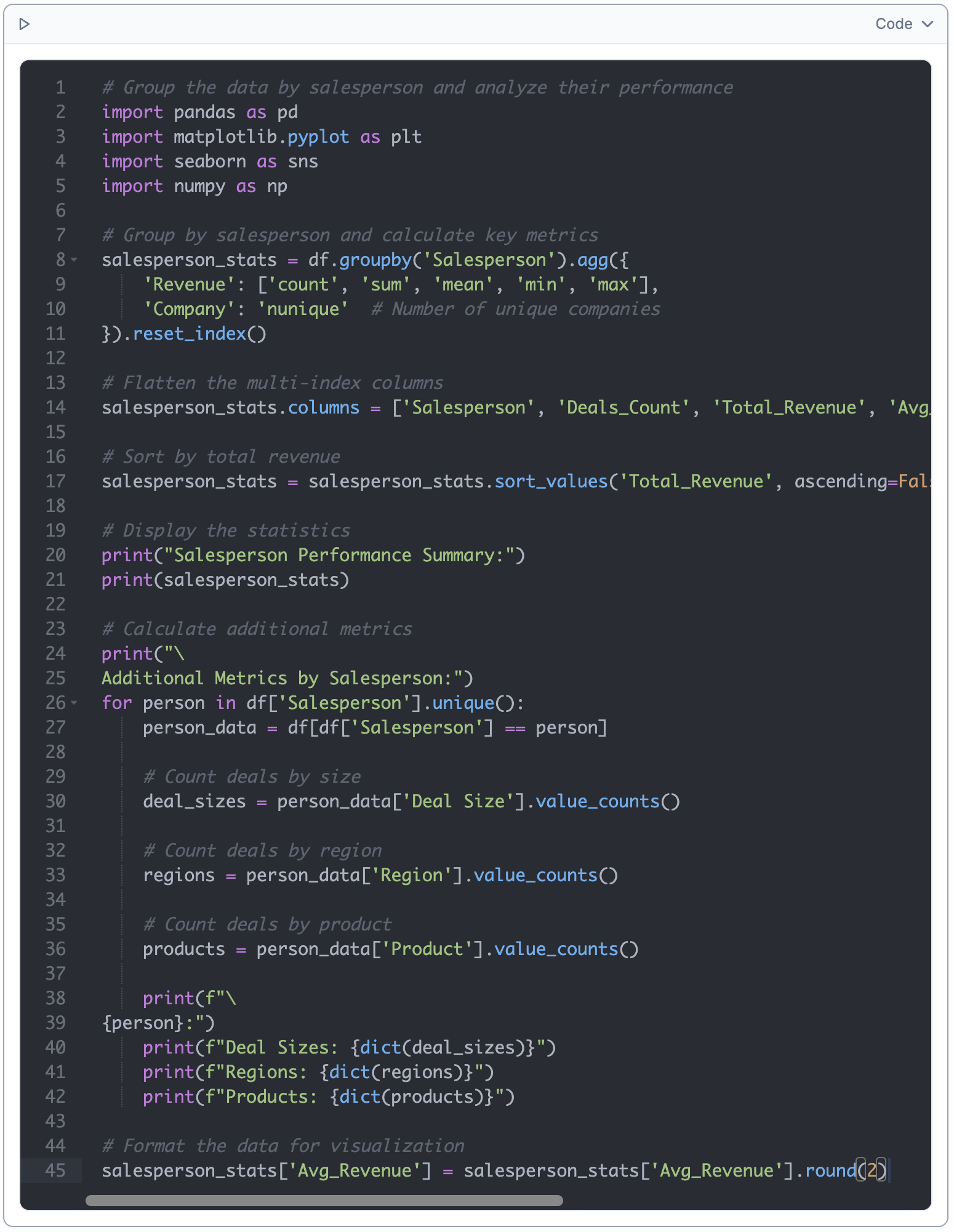
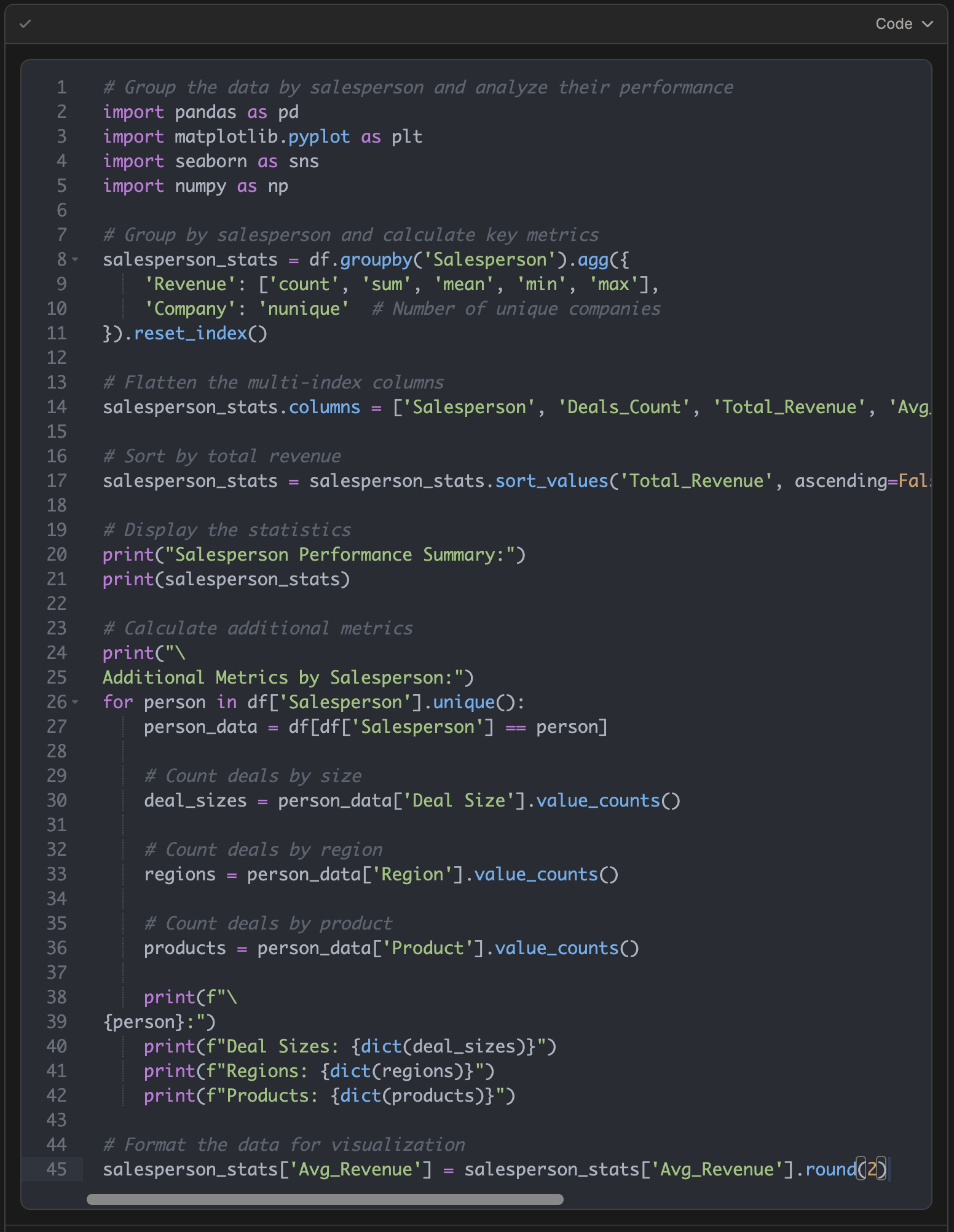
Here we inputted code that Julius had previously generated that worked well.

<div align="center">
  <img className="block max-w-[60%] h-auto dark:hidden" src="https://mintcdn.com/julius-d061c216/iP_qLLemHc-A-_-m/images/notebooks/code-cells/code-cell-light-2.png?fit=max&auto=format&n=iP_qLLemHc-A-_-m&q=85&s=74ed9d9577eb0247ba1d3796b5d101f5" width="1550" height="2002" data-path="images/notebooks/code-cells/code-cell-light-2.png" />

  <img className="hidden max-w-[60%] h-auto dark:block" src="https://mintcdn.com/julius-d061c216/1sdX0_SBCoFyQQNg/images/notebooks/code-cells/code-cell-dark-2.png?fit=max&auto=format&n=1sdX0_SBCoFyQQNg&q=85&s=618e23b87e7daa44af02694e3dfb1372" width="1552" height="2004" data-path="images/notebooks/code-cells/code-cell-dark-2.png" />
</div>

Once you run the code cell, Julius will execute it in your container.

<Info>
  If your code references variables or data that isn't available, Julius will adjust the code to make it work with your existing data.
</Info>